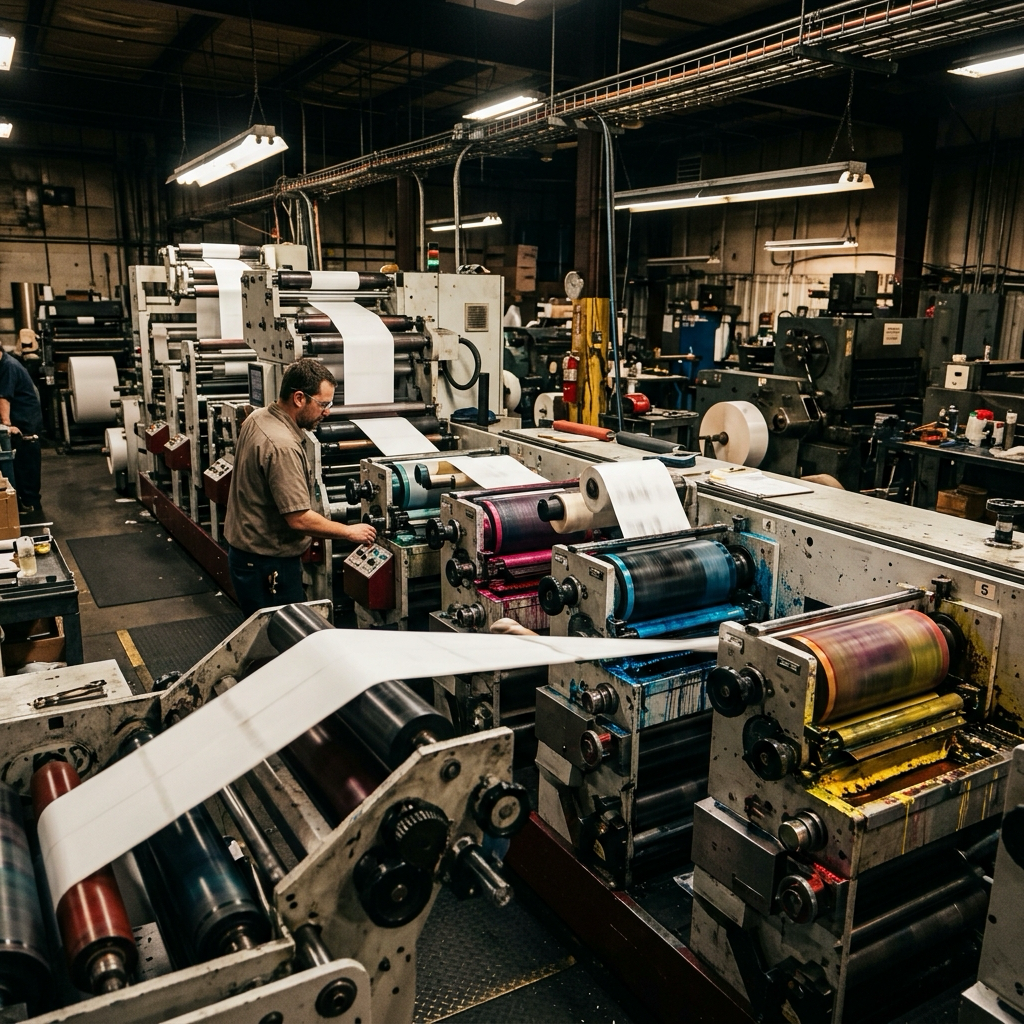
You have the configurator open. Size, shape, material, quantity — the price updates as you click, and the whole job looks like a ten-minute errand. Then you hit the field that does not exist: the adhesive you actually need, the Pantone you promised the brand team, the die shape nobody sells. Somewhere around there you start wondering whether to email a custom label printing manufacturer instead. Deciding to order custom labels online rather than through a quote request is worth getting right on day one. The expensive version of this mistake is not overpaying by a few cents a label. It is spending two weeks inside a channel that was never able to make your label.
What An Online Label Configurator Can Actually Price Instantly

Most buyers treat a label configurator as a checkout. It works better as a calculator.
Five inputs move the number and nothing else does: size, shape, format, quantity, finish. Size only exists inside the house die library. Shape comes off a fixed list — Avery's custom flow exposes about 12 shapes and 14 materials per format, and some product lines drop to two. Format matters more than people expect: sheet, roll and single-cut ride completely different price curves.
That last point is where the tool earns its keep. Here is the same 40 mm white paper round label at Avery, priced four ways:
| Quantity | Custom sheet | Single-cut | Roll |
|---|---|---|---|
| 500 | GBP 55.16 (0.11 ea) | GBP 90.89 (0.18 ea) | GBP 120.70 (0.24 ea) |
| 2,400 | GBP 158.03 (0.06 ea) | GBP 229.03 (0.10 ea) | GBP 134.48 (0.06 ea) |
| 4,800 | GBP 269.71 (0.06 ea) | GBP 360.36 (0.07 ea) | GBP 151.54 (0.04 ea) |
Read the roll column against the sheet column, not the totals. Roll opens as the worst option and crosses below sheets somewhere between 500 and 2,400 labels — a crossover you find in ninety seconds of clicking. An emailed quote will not hand you that answer.
The discount ladder ends, though. Avery Canada's tiers walk from $1.745 per label at 8 units down to $0.555 at 1,000, then crawl to $0.530 at 2,000. Past roughly 400 units the curve flattens hard, and the savings that remain live in a quote, not in the cart. That is the moment to stop clicking and send your spec sheet for a quote.
Push past any of that — a new die, a non-stock facestock, a spot ink, post-press finishing — and the same configurator quietly becomes an inquiry form that mails your spec to a sales desk.
Specs That Force You Into A Custom Label Quote Request
The configurator rarely explains why it stopped showing a price. The trigger is almost always the same thing wearing different clothes: a one-time cost that exists for your job alone.
A die is the clearest case. Blue Label states the rule plainly — any time the converter has to order a die, the job counts as custom and you carry the tooling charge. Shapes outside the standard catalog do it, and so does width. Self-serve roll portals cap finished labels around 8 to 12 inches of usable print area, and a 13" press yields only about 12.375" of usable width. Above that, no instant price exists at any quantity — a width like that belongs with a converter whose in-house slitting and die-cutting capacity already covers it.
Color is the second trigger. Instant calculators assume CMYK process digital. Pantone spot ink means mixed ink, color pulls and press-side adjustment, priced by a person rather than a rule engine.
Now the distinction that actually decides your channel. Metallic look and foil stamping are not the same purchase. Silver or gold metallic BOPP at OnlineLabels is a facestock you pick from a dropdown and check out with. Hot foil presses a heated metal die at roughly 200 F onto foil in a separate finishing pass, and OnlineLabels puts even its cold-foil work behind a "Request a Quote" page. One is a material choice; the other is tooling plus an extra trip through the plant.
SKU count is the quiet one. Digital gangs multiple SKUs onto one sheet as long as size and material match. Flexo charges 30 to 60 minutes of changeover per SKU, and ten SKUs at five spot colors is fifty plates before a single label prints. No calculator has a field for plate counts, which is why those jobs get pushed out.
Turnaround Gap Between Instant Checkout And Factory RFQ
Self-serve checkout sells you a published SLA. A factory RFQ sells you a queue position. That difference explains most of the confusion about which one is faster.
Put the published numbers side by side and the gap looks smaller than folklore suggests. Sticker Mule runs 4 business days of production plus 2-day transit, so roughly 6 to 7 business days from proof approval to your door. Blue Label quotes in under 24 hours, proofs in about a business day, and prints standard labels in 3 to 5 — a realistic 5 to 7 business days from spec to ship. OnlineLabels is quicker still at 2 to 3 days for custom labels, though its custom stickers stretch to 5 to 7. The outliers live at the ends: Prime Label KC quotes about three weeks after dieline approval, and an offshore converter like LabelsAgent prints in 2 to 3 days but then spends 4 to 7 on express air, or 15 to 25 by sea. Buyers who source directly from a China label factory are trading transit days against unit price, which is a different sum entirely.
So where does the time actually go? Into rounds. Every clarification email costs a queue position rather than a day of production, and the clock on both channels starts at proof approval, not at payment. Two vague messages about material can burn more calendar than the entire difference between channels.
One more trap sits inside the instant lane. Sticker Mule pushes production to 7 business days above $5,000 and to 12 above $10,000. Nothing about your artwork changed — order value alone moved you out of the fast lane. Published turnaround also excludes shipping, weekends and holidays everywhere, which is the honest way to read any of these numbers.
What The Online Uploader Rejects Before A Human Ever Sees Your File
Upload your artwork and a machine reads it within seconds. Enfocus PitStop, Esko Automation Engine or PrintFactory returns a pass or a fail plus a report — never a redesign, never a phone call.
Bleed causes more of these failures than anything else, for an almost silly reason: no two vendors want the same number. OnlineLabels asks for 0.125" on sheets but 0.0625" on rolls. Sticker Mule fixes bleed at 0.0625" and will not let you change it. UPrinting wants 0.125" of bleed plus a 0.125" safe zone. Blue Label asks for 1/8" outside the dieline and 1/16" inside it. Each uploader checks against its own threshold only, and the rejection notice rarely says which number it wanted.
The other machine checks are less negotiable and easier to predict: RGB instead of CMYK, effective resolution under 300 DPI at final size, live fonts, unflattened transparency, hairlines under 0.25 pt, crop marks baked into the art, a 3" x 3" sticker submitted at anything other than 900 x 900 px. Flatten or rename the template layers and the check cannot find the dieline at all, so the file fails outright instead of coming back with a fixable note. A quoted OEM label printing service runs the same step with a prepress operator, who can tell you which fix actually matters.
Barcodes are where the online channel stalls hardest. GS1 wants a quiet zone ten times the module width beside a UPC-A symbol, magnification outside 80 to 200 percent gets rejected on sight, and a symbol touching the dieline fails every time. At a converter, a rep who proofs custom barcode and UPC labels every day looks at it and makes a call. On a portal nobody can override the flag, so the order sits until you resubmit — and each cycle costs a business day, because the SLA clock does not start until a clean file is accepted.
Online Proof Versus Physical Sample: What Each Channel Can Approve
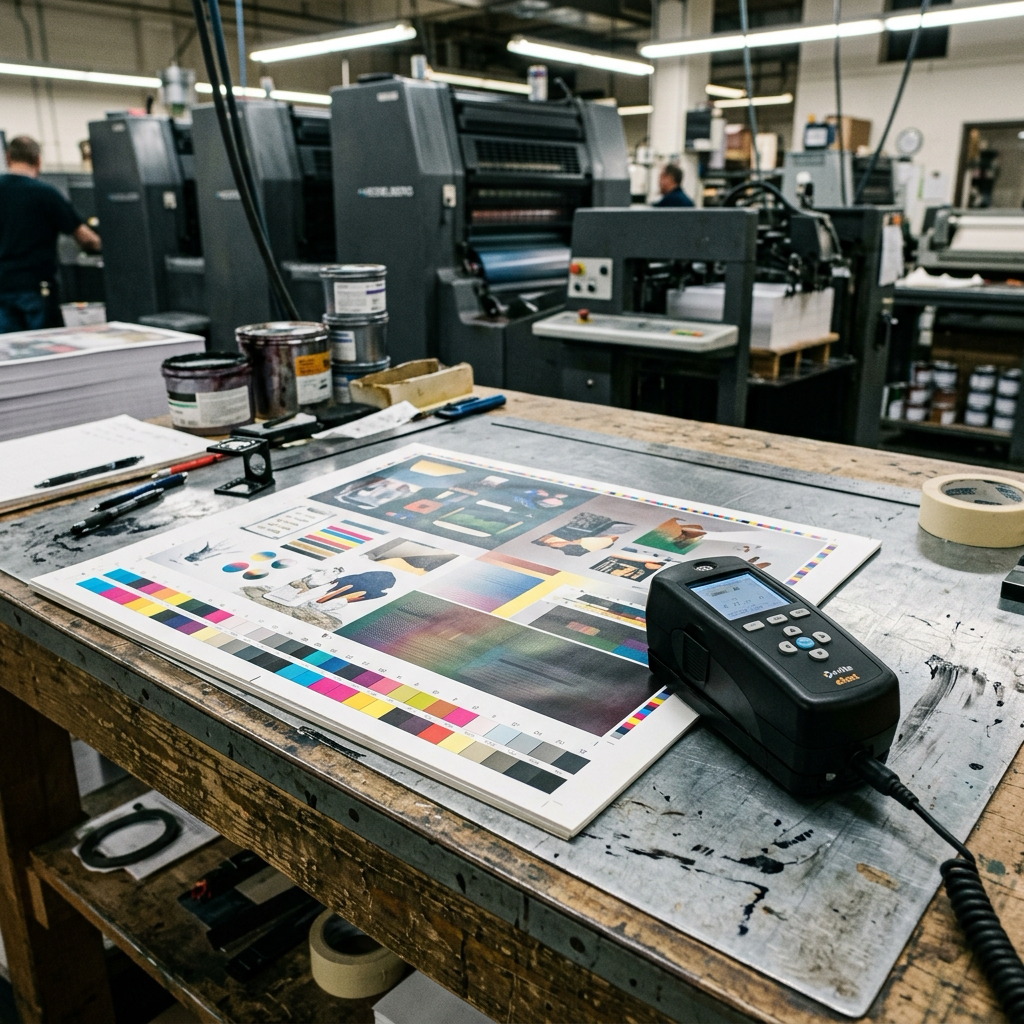
The proof debate usually gets argued in the wrong currency. People ask what a proof costs. The useful question is what it can approve.
A digital proof handles more than its reputation suggests: copy, spelling, legal and ingredient text, layout, dieline fit, margins, safe zone, barcode content and placement, version and variable-data positioning. Sticker Mule recalculates exact size from your art at the proof stage, so a 3" x 3" order can come back as 3" x 2.8" with new pricing attached. And it holds one advantage nobody mentions: every round reproduces identically, which a press proof physically cannot do.
What a screen cannot show you is anything involving ink meeting material. Spot color on your actual stock drifts 10 to 15 percent in hue and density between digital and press, with digital skewing warm. Substrate stiffness, opacity and hand feel do not exist on a monitor. Neither does gloss level after lamination, foil coverage on fine detail, emboss depth, die-cut edge quality, liner release, or whether the adhesive survives a hot fill. A proof shows the barcode symbol, too, but not whether a scanner reads it through press gain and bottle curvature.
Here is the part people resist. Deciding you need a physical sample is the same decision as choosing RFQ. Self-serve platforms do not sell a wet press proof at any price; there is no cart option and no upsell. Sticker Mule's ten stickers for about $9 and OnlineLabels' free sample sheets are references for stock and print quality, not proofs of your job. Runs in the tens of thousands, contractual brand color, foil or emboss, pharma or food contact — those specs have already picked the quoted channel for you.
Variable Data And Multi-SKU Orders: Where Each Channel Breaks
Eight flavors, five hundred labels each. That order sounds like a factory job and usually is not one.
Versioning rarely breaks the self-serve lane, because digital presses do not care how many designs sit in a run. OnlineLabels lets you add extra designs to a roll order as long as size and material match, applies a multi-design discount, and caps you at 24 unique designs per template on its 24-up sheet layout. Blue Label mixes any number of versions into one order with no per-version charge, and turnaround holds either way — 2 to 3 days at OnlineLabels, 5 working days at Blue Label after proof approval and a signed PO.
So "can I do eight flavors in one order" has a mechanical answer: yes, if size and material are identical and the version cap allows it. Change the material or die on any one SKU and the configurator cannot gang the job, so it converts to a quote. StickerGiant is the strict end: every design variation is its own item, with no combined volume pricing.
Flexo runs the economics backwards, which is why a quote sometimes comes back looking insane. Each SKU changeover means plates, ink and a registration check, 30 to 60 minutes minimum. Photopolymer plates bill per color per SKU, commonly $30 to $120 each, so ten SKUs at five colors is fifty plates before anything prints. Eight SKUs of 500 can cost more than one SKU of 10,000.
Flexo only overtakes digital somewhere around 5,000 to 20,000 labels per SKU. Below that, a converter quoting your versioned job on flexo is quoting it on the wrong press, and asking which press a quote assumes is fair. Multi-SKU at low volume is the one scenario where the online channel is not merely faster — it is cheaper than the factory.
What Your Account Actually Stores: Artwork, Specs And Reorder Terms
Reorders are the quiet argument for staying on one platform. No new plate charge, no art setup fee, as long as the vendor still holds your files. Retention windows run shorter than most buyers assume: dies about one to two years from the last run, color formulas and plate archives about two. Past that it prices as a new job. The tooling itself stays with the converter regardless — something the ordering process at a wholesale custom label printing supplier spells out in more detail.
What sits in your account varies more than the marketing implies. Avery keeps an editable project file you can apply to a different shape or material, and lets you reorder with changes to quantity, material or finish. Sticker Mule stores a flattened print-ready file and sends reorders straight to production without a proof — but it will not let you alter the artwork, because any change makes it a new job. OnlineLabels stores a SKU and a billing schedule for auto-reorder, while the design work lives inside Maestro project files.
Notice what that means. A flattened PDF is a reprint permission, not an asset you can carry somewhere else. Your source vector, your fonts and your written spec sheet — facestock, adhesive, liner, core size, wind direction, roll count — are the portable half, and only if you keep a copy outside the portal. Brands that skip this end up rebuilding their own construction from a printed label the day they change suppliers.
Six Specs That Decide Your Channel Before You Upload Anything
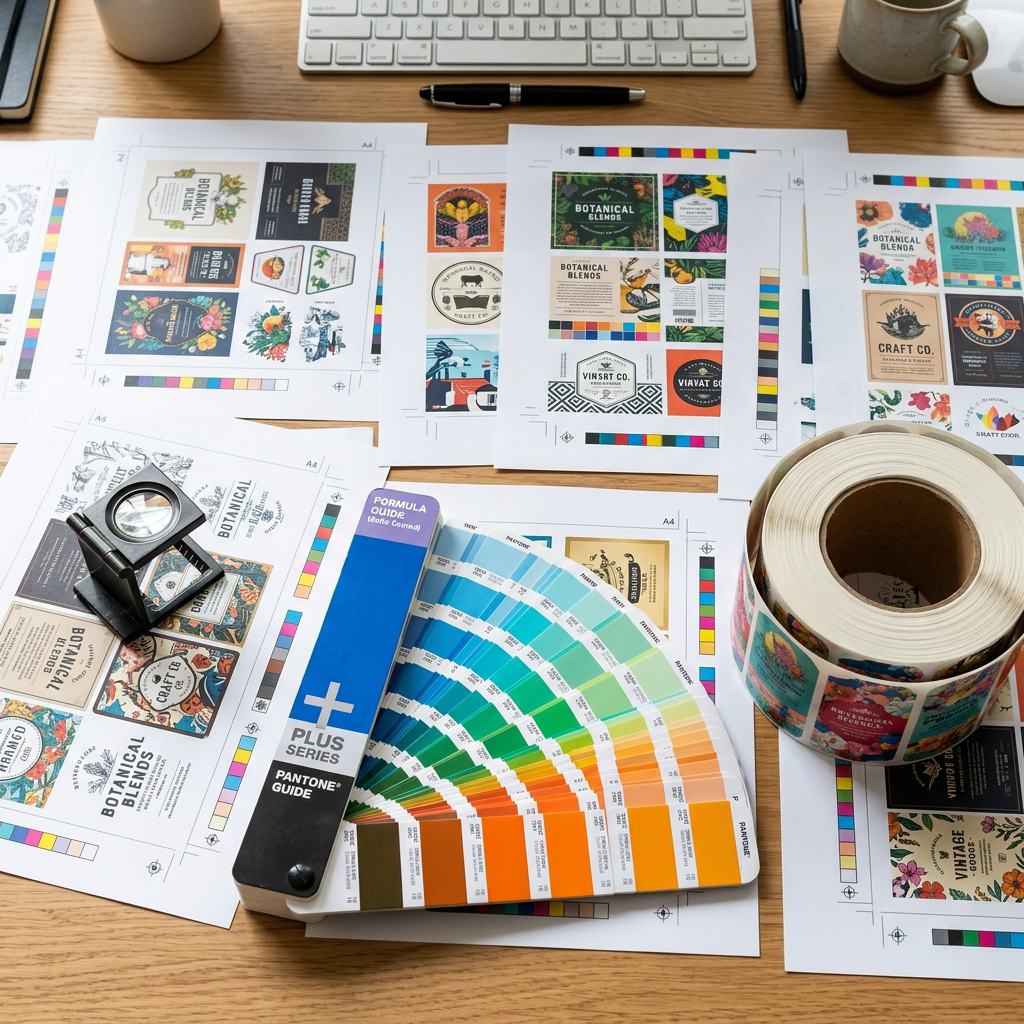
Six answers settle the channel question, and none of them require a vendor site: exact finished size, facestock, adhesive, print spec, quantity with the price breaks you want, and application method. Three more decide how fast a quote comes back — artwork status, catalog die versus custom die, and end-use environment. Slow quotes are usually caused by missing specs rather than by slow factories. Stock items such as wholesale blank direct thermal label rolls skip most of this, because the construction is already fixed.
Run them as a filter:
- Standard catalog die shape and size? Continue. New tooling means RFQ.
- Facestock and adhesive off the vendor's stock list? Continue. Specialty films, estate papers or freezer-grade adhesive means RFQ.
- Process CMYK, no spot color, no foil, no emboss? Continue. Any one of those three means RFQ.
- One SKU, or several sharing a size and material? Continue. Mixed materials across SKUs means RFQ.
- Quantity inside a listed tier? Continue. Above the top tier or below the minimum, a person prices it better.
- Dry indoor end use? Continue. Oil, chemicals, outdoor UV or deep cold need an adhesive recommendation, not a dropdown.
Clear all six and check out. Fail one and stop configuring, because you are already an RFQ — the fastest move left is to write it as one, asking for 1,000 / 3,000 / 5,000 and two finish options in a single message rather than across three rounds.
Minimums do some filtering for you. Blue Label carries no minimum quantity but a floor around $200. OnlineLabels wants 100 pieces on custom roll labels, 50 on laminated vinyl stickers, roughly $35 for fifty 2" circles. Avery WePrint will print two sheets.
One last thing before you commit: material moves turnaround more than channel does. At UPrinting, white BOPP indoor runs 2 business days while clear BOPP, silver metallic and rainbow holographic run 6. A four-day swing inside one vendor, on one press, from a single dropdown.
Conclusion
Two things settle this, and price is neither of them. First, whether your spec fits inside the vendor's rule engine: standard die, stock material, no spot color, one SKU or several that gang together. Second, what you need to approve — needing a real press proof puts you in the quoted channel.
Standard single-SKU work runs faster online, and multi-SKU short runs are cheaper there too. Everything else earns back the quote round trip inside one production cycle.
Next steps:
- Write down your six specs before opening any vendor site.
- Price the closest legal spec in a configurator even if you expect to go to RFQ. A ballpark turns three email rounds into one.
- Check the vendor's own bleed number against your file, not a competitor's.
- Fail any filter and send one multi-tier quote request today instead of a clarification tomorrow.
Not sure which lane your job belongs in? Send us your six specs for pricing and we will tell you straight.